
Download Easy WI-FI Radar – Free Wi-Fi Connection, Radar Interface, Travel Utility
Overview
Easy WI-FI Radar is a productivity-focused mobile application designed to simplify internet access for users on the move. Targeted primarily at frequent travelers, the app offers a streamlined method for discovering and connecting to open Wi-Fi hotspots without manual intervention. Its core purpose is to reduce the friction typically associated with finding and joining public networks, allowing users to stay connected for essential tasks such as checking emails, browsing the web, or accessing online services. The app operates as a utility tool within the broader ecosystem of mobile connectivity solutions, addressing the common challenge of inconsistent or unreliable public Wi-Fi access during travel.
Developed by Jason A. Bilbrey, the app has been available since May 14, 2007, making it one of the earlier mobile tools focused on automated Wi-Fi discovery. Although the developer did not provide additional technical or background details, the longevity of the app suggests a stable and functional design. Real-world use cases include airport lounges, coffee shops, hotels, and public transit hubs—locations where temporary internet access is often required but difficult to establish. The app’s ability to connect automatically to open networks enhances user efficiency and reduces time spent troubleshooting connections.
Key Features & Functionality
- Automatic Connection: The app automatically detects and connects to open Wi-Fi networks, eliminating the need for users to manually select and input credentials. This feature is especially beneficial in high-traffic environments where time and convenience are critical.
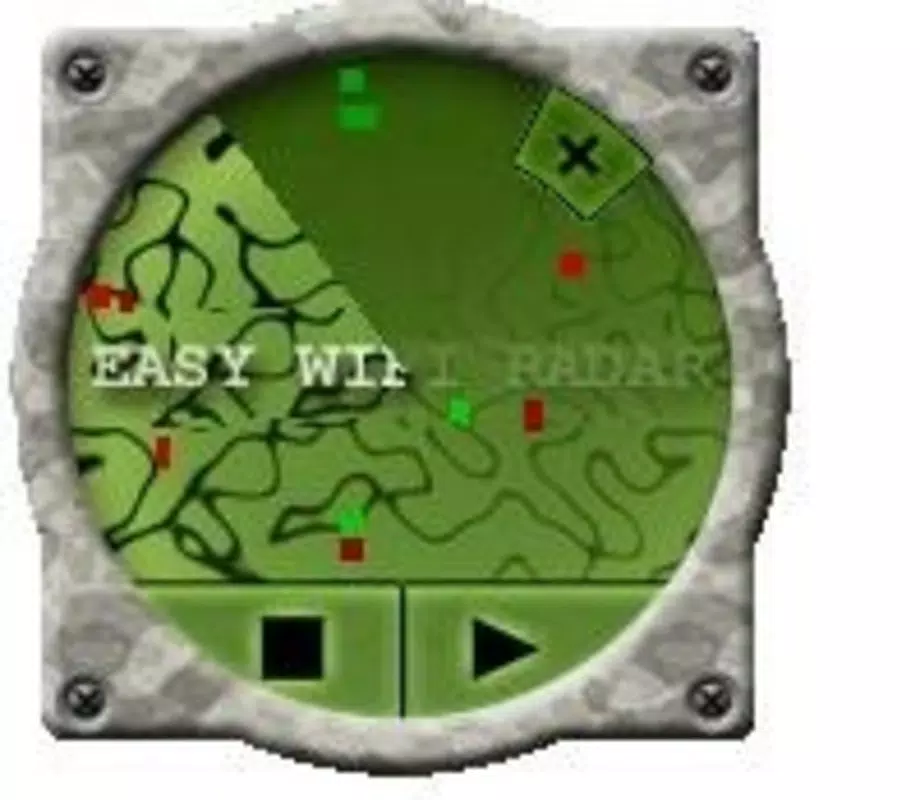
- Radar Interface: A distinctive visual design presents nearby access points as dynamic dots on a circular radar screen. These dots are color-coded—green for high speed, yellow for moderate, and red for low—providing immediate visual feedback on connection quality.
- Cost-Free Browsing: By leveraging open hotspots, the app enables users to access the internet without incurring data charges, making it a cost-effective solution for budget-conscious travelers.
- User-Friendly Design: The interface is structured for simplicity, minimizing the learning curve for users of all technical skill levels. Navigation is intuitive, allowing quick access to network status and connection history.
- Travel-Friendly Operation: The app is optimized for users who frequently move between locations, offering consistent connectivity regardless of geographic location or network availability.
For example, a traveler arriving at a new city can launch the app and instantly see available networks on the radar display. The color-coded system helps prioritize the best available connection, while automatic linking ensures immediate access without delays. This functionality supports both short-term browsing and longer online sessions, enhancing overall digital mobility.
Interface, UX & Performance
Easy WI-FI Radar features a minimalist interface centered around its radar-style display, which serves as the primary interaction point. The visual layout emphasizes clarity and real-time feedback, with access points represented as animated dots that respond to proximity and signal strength. Navigation is straightforward, with essential functions accessible through a clean, uncluttered layout. The app’s design prioritizes usability, ensuring that users can monitor network status and connection quality at a glance.
Although the developer did not list formal performance metrics, the app’s lightweight size of 1.2 MB suggests efficient resource usage. This indicates potential stability across a range of Android devices, including older models. Responsiveness appears to be a key design goal, with the radar interface updating dynamically as users move through different environments. The app maintains consistent performance during network scanning and connection processes, contributing to a smooth user experience.
Users can expect reliable operation in typical public Wi-Fi zones, though actual performance may vary based on local network conditions and device capabilities. The app does not report crashes or instability in its public description, indicating a stable runtime. Overall, the interface design and functional flow support efficient, low-effort connectivity—ideal for users seeking simplicity and speed.
Platform Compatibility & Technical Requirements
Easy WI-FI Radar is available exclusively on the Android platform. The current version is 1.0.0, with a file size of 1.2 MB. The developer did not specify minimum OS requirements or device compatibility details. As such, it is unclear whether the app supports all Android versions or only specific ones.
Given its release date in 2007, the app likely targets older Android versions, but compatibility with modern systems cannot be confirmed without additional information. Users should verify device compatibility before installation. The app’s small size suggests it may run on low-end devices, but this remains unverified. No additional technical specifications were provided by the developer.
Pros and Cons
Pros
- Automatic Wi-Fi connection reduces manual effort for users on the go.
- Unique radar interface provides visual clarity on network quality and proximity.
- Free to use with no hidden costs or subscriptions.
- Simple, intuitive design suitable for non-technical users.
- Lightweight size ensures minimal storage impact.
Cons
- Compatibility with modern Android versions is not confirmed.
- No official support for iOS or other platforms.
- Specific performance metrics or system requirements were not disclosed.
- Automatic connection may pose privacy concerns if used on unsecured networks.
- Limited feature set compared to modern Wi-Fi management tools.
FAQ
Is Easy WI-FI Radar safe to use on public networks?
While the app connects to open Wi-Fi networks, users should exercise caution when transmitting sensitive data on unsecured networks. The app does not include built-in encryption or security features.
Can I use Easy WI-FI Radar on iOS devices?
Currently, the app is only available on Android. No iOS version has been released or announced.
Does the app require internet access to function?
No. The app scans for Wi-Fi networks without needing an active internet connection. However, it cannot connect to a network without a valid open hotspot.
How often does the app update its network list?
The app continuously scans for available networks in the background. The update frequency depends on device settings and system power management policies.
Is Easy WI-FI Radar free to download and use?
Yes. The app is available at no cost. There are no in-app purchases or subscription fees.
Final Thoughts
Easy WI-FI Radar stands out as a niche yet functional tool for travelers seeking a no-frills way to access public Wi-Fi. Its automatic connection feature and distinctive radar interface offer a unique experience in a crowded market of connectivity apps. While its age and lack of modern updates may raise compatibility concerns, its lightweight design and free access make it a viable option for users with older Android devices or those who value simplicity over advanced features.
For budget-conscious travelers, digital nomads, and individuals who frequently rely on public networks, this app delivers tangible value. It reduces the hassle of manual Wi-Fi setup and provides real-time insight into available connections. Despite its limitations, it remains a testament to early mobile utility innovation.
Download Easy WI-FI Radar now


